Account & Cloud Data Deletion Hub
Permanently delete your Qassadar cloud account and all associated synchronized records directly from within the app or via this verified web request.
Last Updated: November 16, 2026
Method 1: Instant One-Tap Deletion Inside the App (Recommended - 5 Seconds)
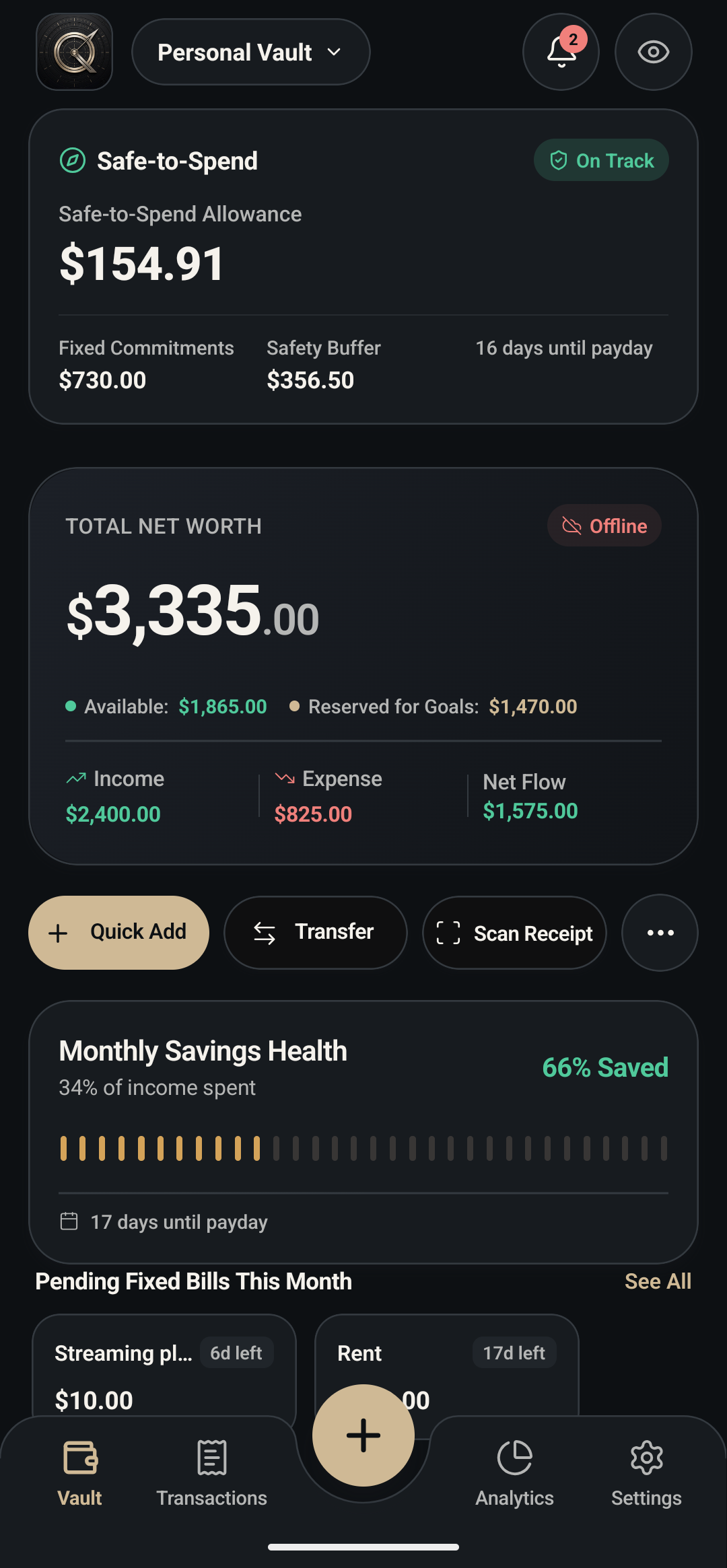
- 1Open Qassadar on your mobile device and navigate to the Settings tab.
- 2Under Account & Sync, tap «Permanently Delete Cloud Account & Data».
- 3Confirm the prompt: your user account, workspaces, transactions, and sync logs are immediately and permanently purged from our servers.
Method 2: Verified Web Deletion Request (If App is Already Uninstalled)
Enter the email address linked to your Sign in with Apple or Google account to initiate a verified, irreversible deletion request.
Scope of Deletion & Retention Transparency
Cloud Data Immediately & Permanently Purged (Zero Retention)
- User profile, email address, OAuth links to Apple/Google, and active authentication sessions
- All synchronized workspaces, accounts, categories, transactions, debts, and vehicle records
- Shared Family Vault memberships and pending invitation codes
Note on Local Hardware Data and App Store Subscriptions
Offline SQLite records stored locally on your phone reside solely on your hardware and are erased when you uninstall the app or tap Reset Vault. Deleting your Qassadar cloud account does not automatically cancel billing with Apple or Google. Please also cancel any active subscription in App Store or Google Play settings.
Privacy & Data Governance Officer: [email protected]